Webbrowser: Multi-Account Containers and Other Containerization
Webbrowsers are great. They allow us to get information from lots of sources. They also provide access to apps like games, office suites, and social media ( Hello Fediverse! ). All in one application.
It’s really fantastic. But, like an apartment building, we need to make sure each site we pull up can’t see into the apartment for another site. We also want to keep the Ring doorbells ( cookies, JavaScript, AdTech ) from spying on us as we go from site to site. We also don’t want them to steal our credit card details.
This article was written as a proposal for FluConf 2026. Follow @fluconf on the Fediverse.
Privacy
Browsers are actually pretty good about security. They are complex software and haven’t had many severe security incidents. But, it takes just one to clean out your bank account or post embarassing hedge hog memes on your social media.
Firefox ostensibly wants to protect our privacy. The browser isolates web visits to keep one site from seeing you interact with another site. Sites that include the same spyware network can still allow aggregate 3rd party information sharing across multiple sites.
Unlike many other browsers where sensitive user data is routinely collected and stored, Firefox is built on the principle that not even Mozilla should know which websites you visit or what you do there.
Containerization with Firefox Multi-Account Containers
Containerization is one way for you to provide better site isolation and improve your privacy. Think of containerization as different boxes. The boxes isolate the processes making it harder for information to bleed over from one site to another.
Firefox’s Multi-Account Containers (FMAC) AddOn is a first layer for additional isolation. Think about a box that has many compartments in it. Like a craft box that has compartments of various sizes. You might store colored pencils in one compartment, glue sticks in another, paints in others, and also have spaces for specific tools. That works great. It keeps your various objects isolated. If the compartment walls are opaque even a tool with a camera wouldn’t be able to see what’s stored next to it. That’s the type of isolation FMAC is providing.
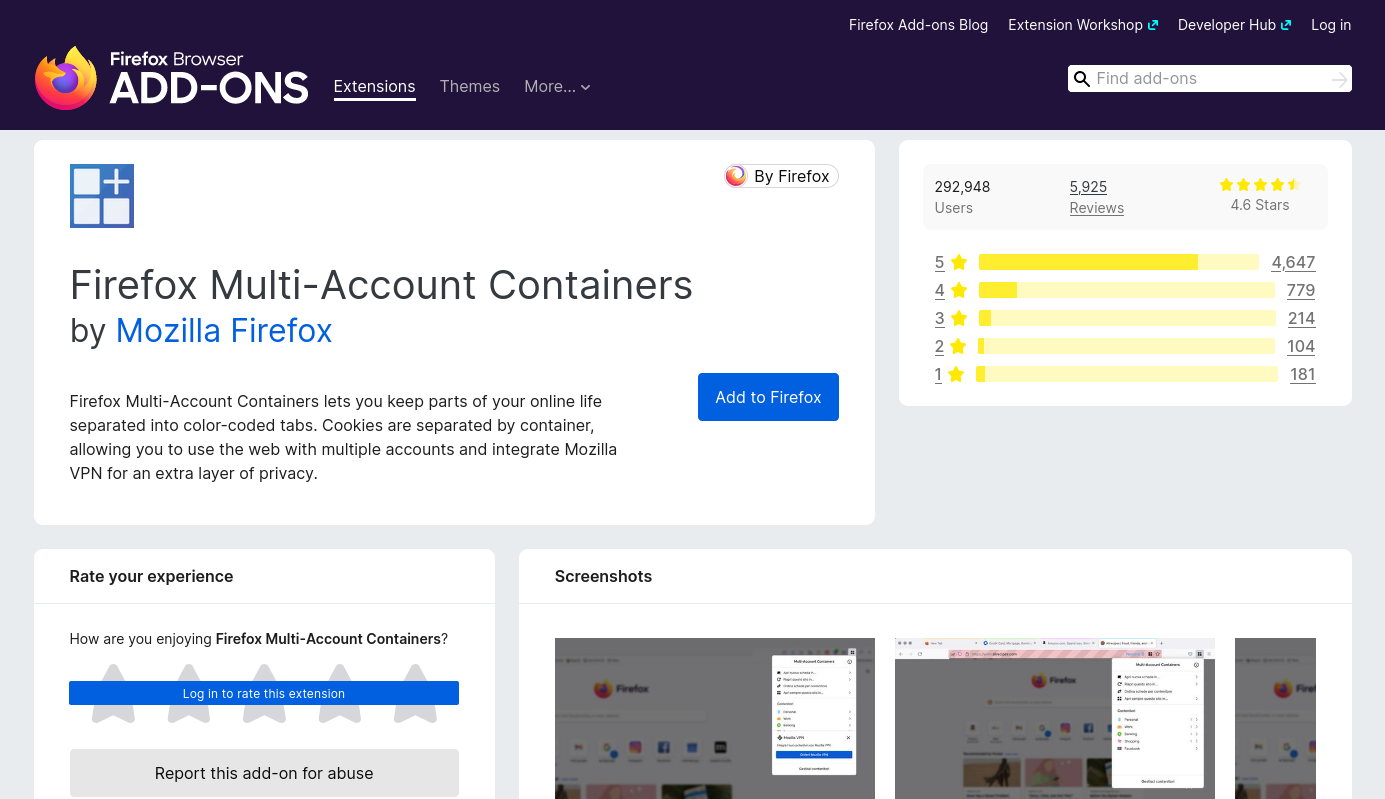
Effective use of FMAC is sufficient for most cases. That is the main focus of this article. There are further isolation options at the end.
Isolation
To quote Weird Al, "Keep them separated." He was talking about laundry, but it’s a good tag line for web privacy as well.
What do FMAC keep separate?
-
browser storage
-
cookies
-
local storage
-
-
activity tracking
-
web site components
-
JavaScript
-
CSS
-
HTML
-
Examples for Isolation
Isolation examples from a user’s perspective.
If you need to use two different accounts for a web site without FMAC you need to log out of one to log into the other. For instance, say you have a bank account and your dog also has one at the same bank. You can log into your account and pay your dog its monthly treat allowance. Then you log out of your account and log into your dog’s account to verify the allowance arrived.
With FMAC you could setup access to your account in one container and access to your dog’s account in another container. Since they don’t share cookies or other web site assets your account sessions will remain independent.
You could also have different VPNs. If your dog’s bank account is in Switzerland and yours is in Japan you could use a VPN with a European exit point for your dog and a VPN with an endpoint in Japan for your account.
FMAC Icon
The FMAC toolbar icon is four quadrants with a plux in the upper right quadrant and boxes in the remmaining three.
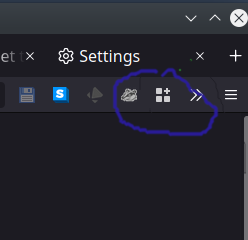
FMAC UI
We can get started.
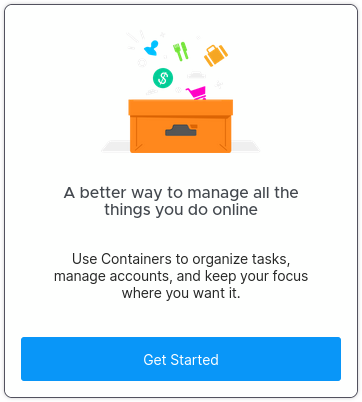
Then we’re notified we can get started.
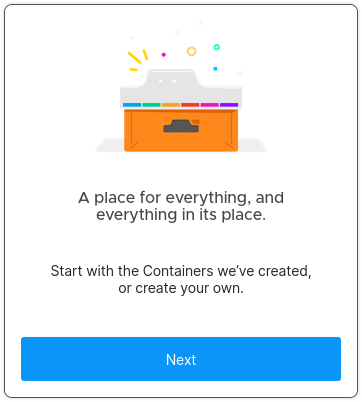
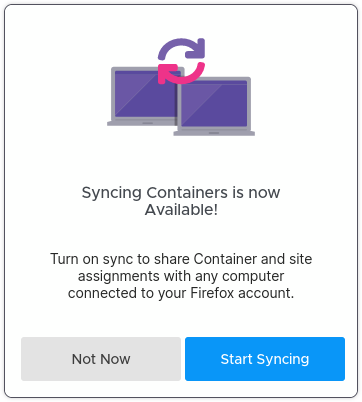
Oh, but wait, you can sync.
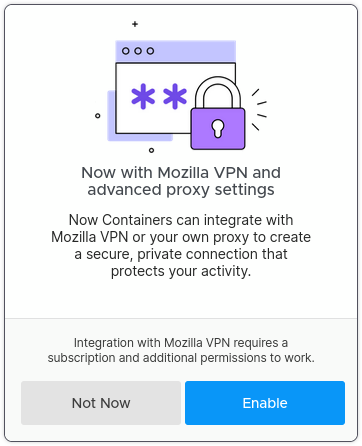
And an ad for Mozilla VPN.
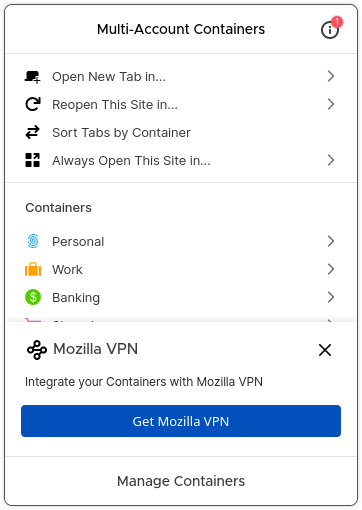
Now we can see the containers, but we have to acknowledge the Mozilla VPN again.
And we can finally use the containers!!!
Celebrate! It was a journey, but you clicked through enough things to finally get here.
Actually, today Mozilla probably also makes you see something about translations. They’re getting ready to add AI the user base doesn’t want, so there will likely be buttons to click about that as well.
This is all silly and annoying, but once you get through it you can use easily use containers.
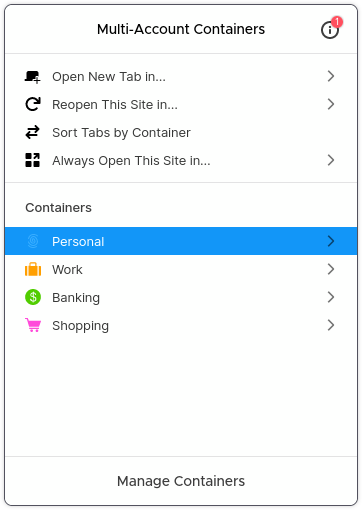
Settings
Under Add-On settings you can you can create new containers. You can also manage icon, color and symbol for containers and re-order them in the drop down list.
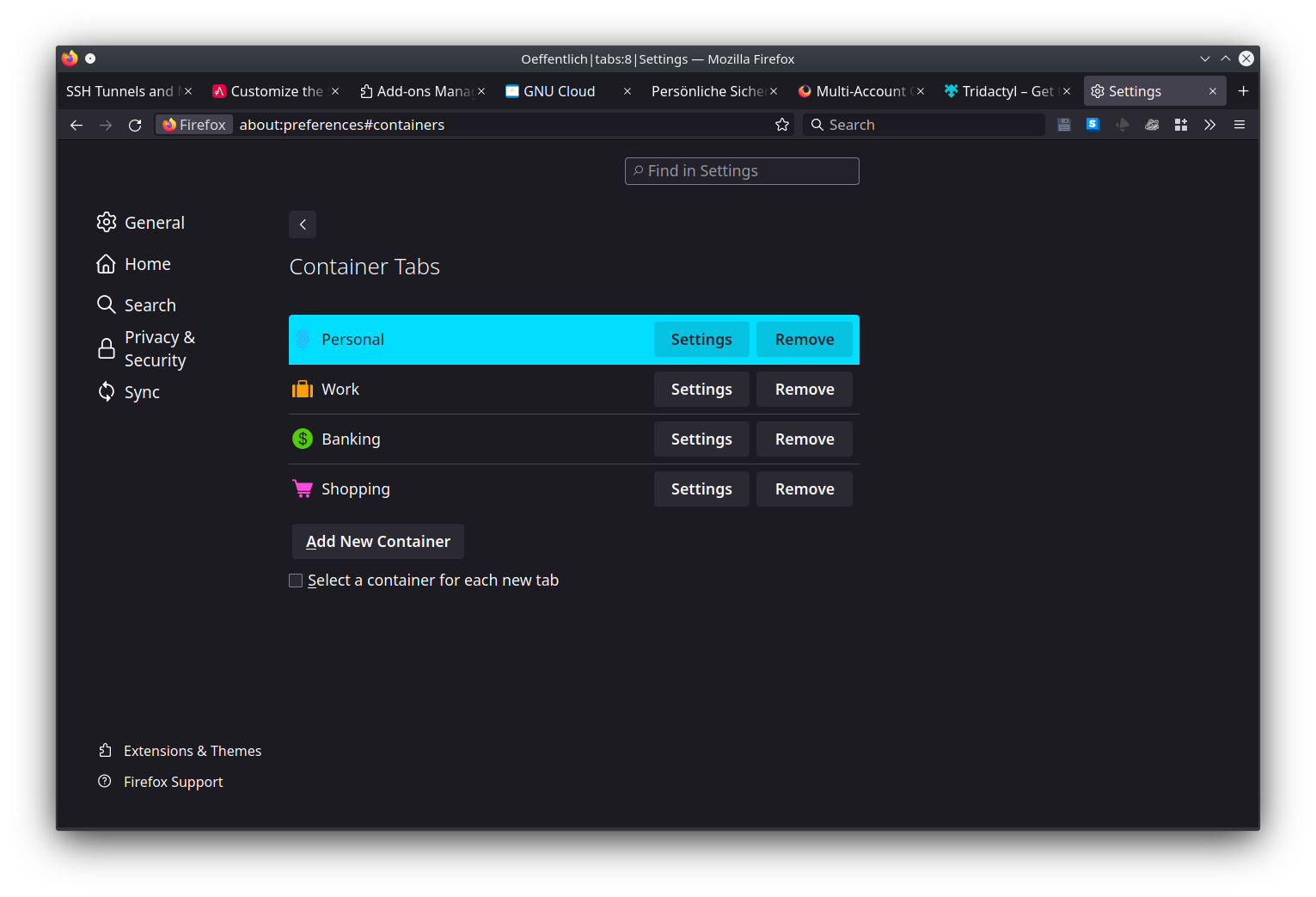
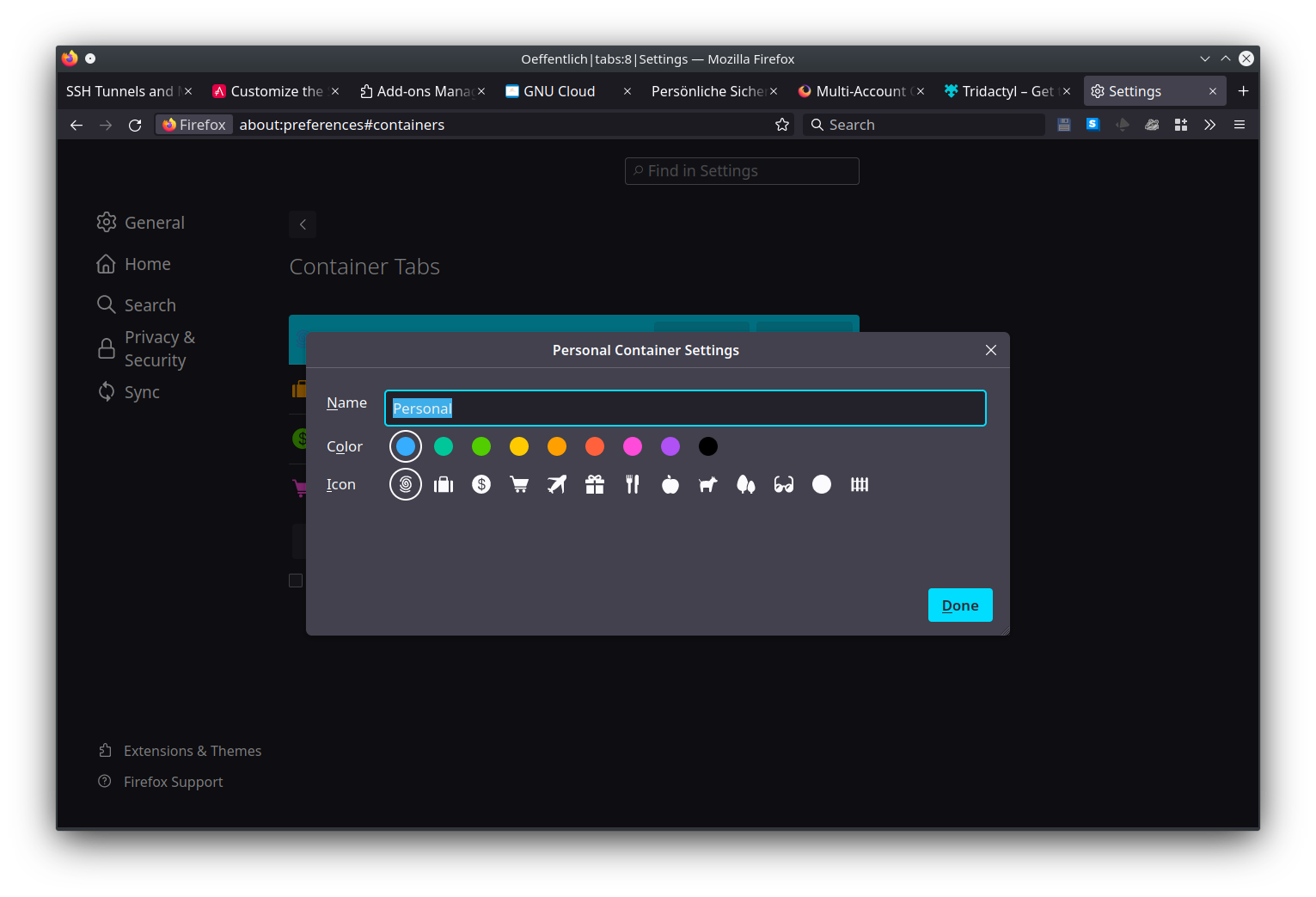
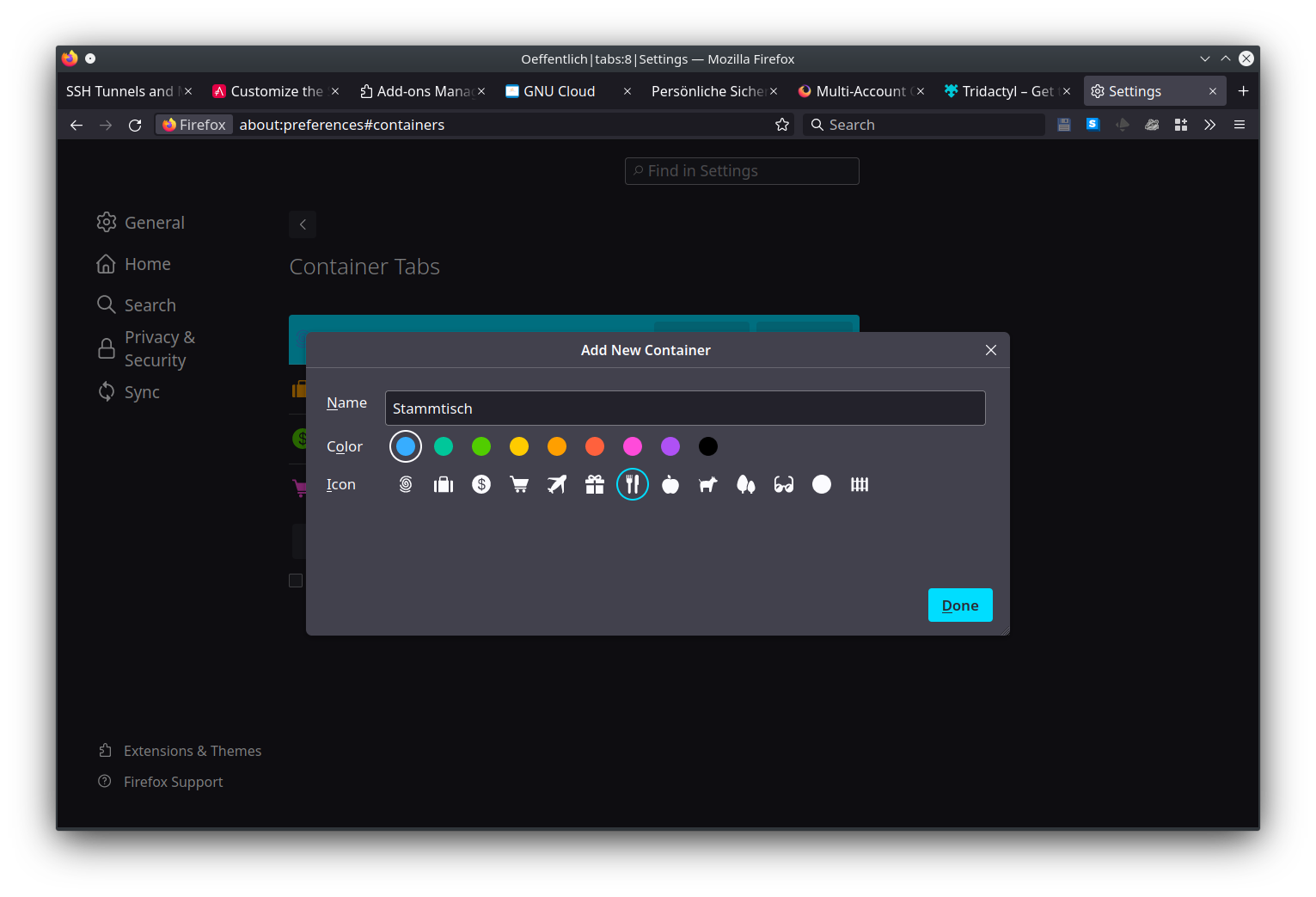
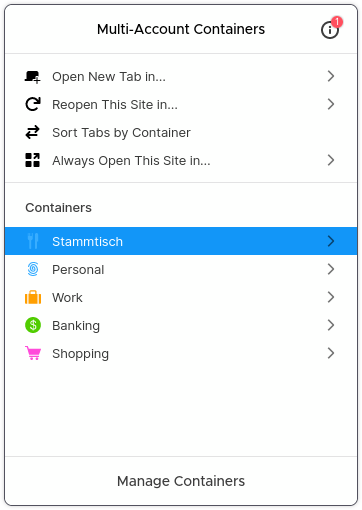
Manage containers
You can also get to container management from the toolbar.
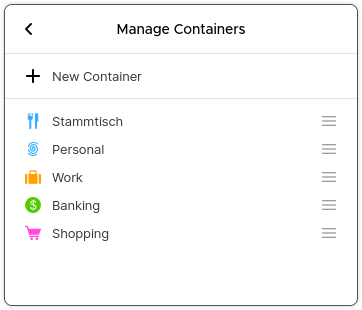
Other Container Add-Ons
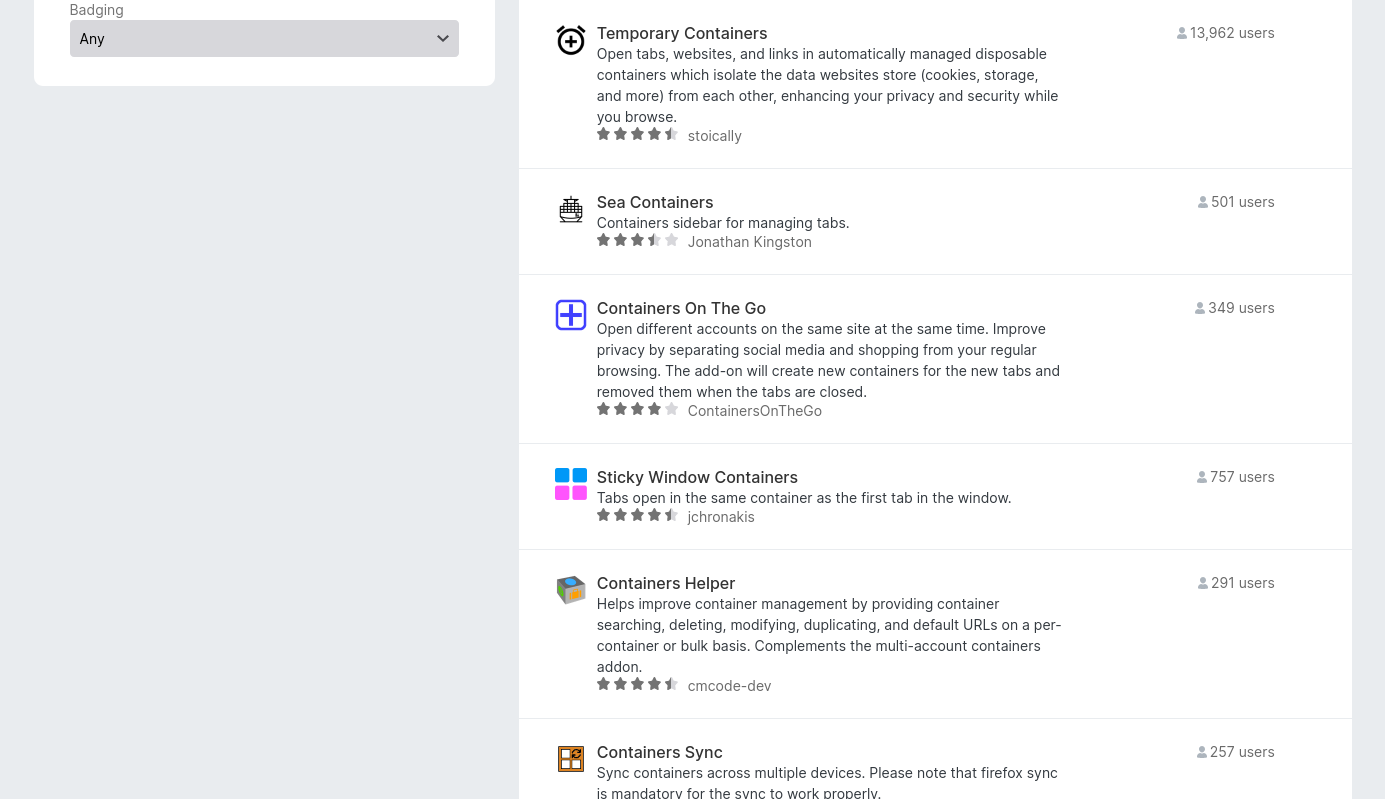
There are other Container Add-Ons that add further functionality. The Temporary Containers Add-On makes it easy to use ephemeral containers for each site you want to isolate.
Navigating Bramble Mazes
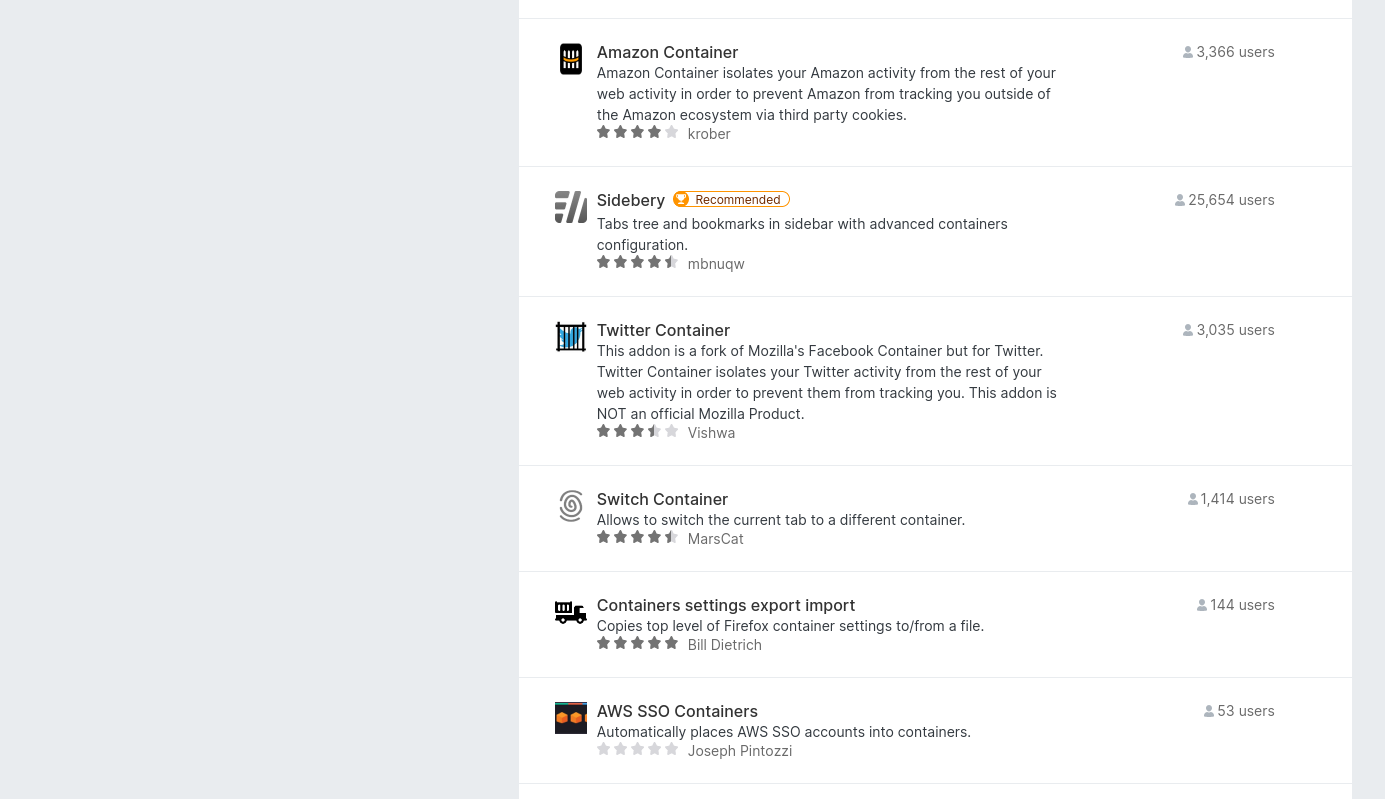
There are also Add-Ons that specialize in specific services.
FMAC Permissions
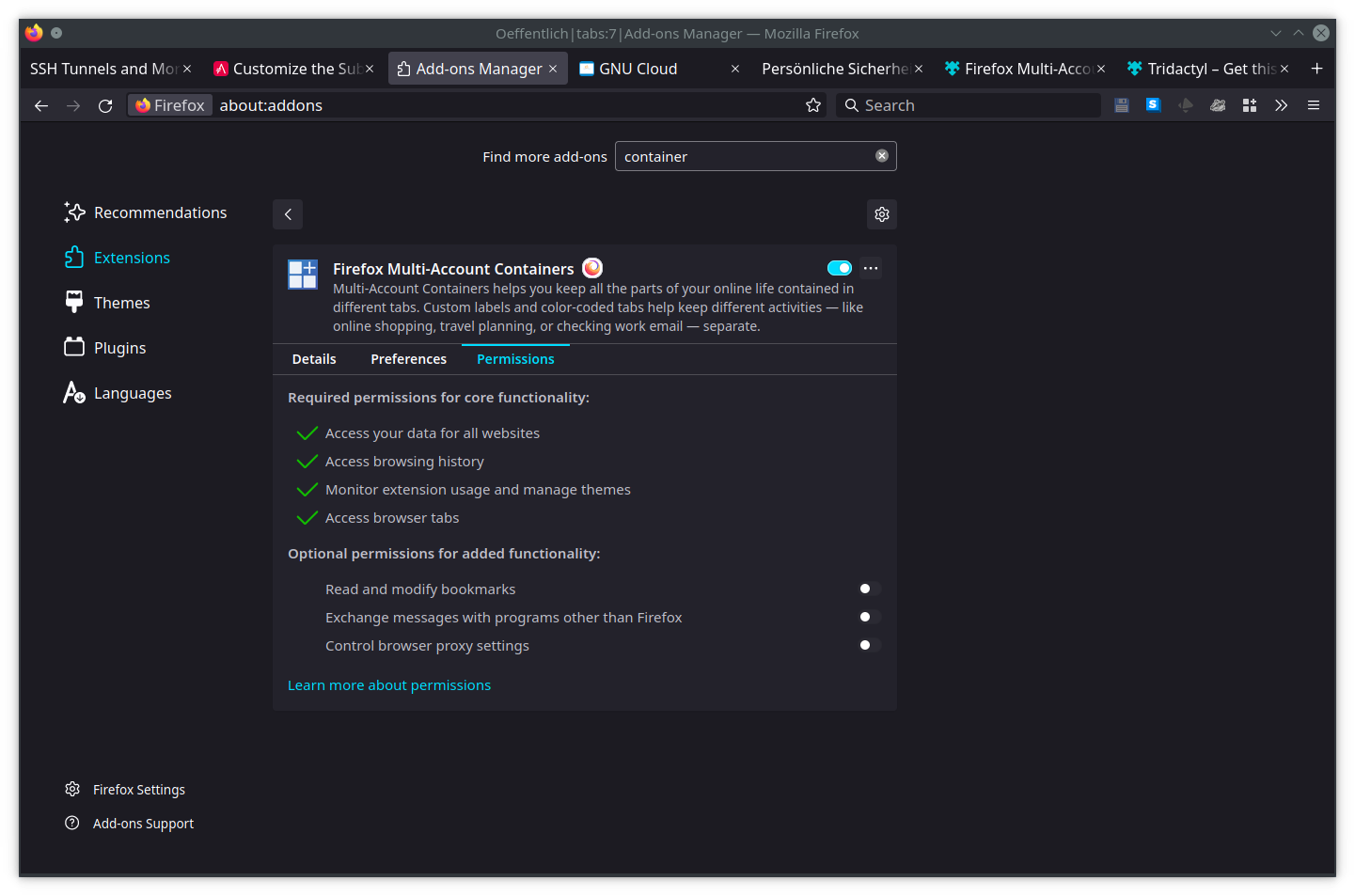
The Add-On entry under Extensions shows you which permissions the Add-On needs.
The version in this example needed:
-
Access your data for all websites
-
Access browsing history
-
Monitor extension usage and manage themes
-
Access browser tabs
See the version you install for what permissions it needs. Also note there might be optional permissions needed to unlock added functionality such as controlling browser proxy settings.
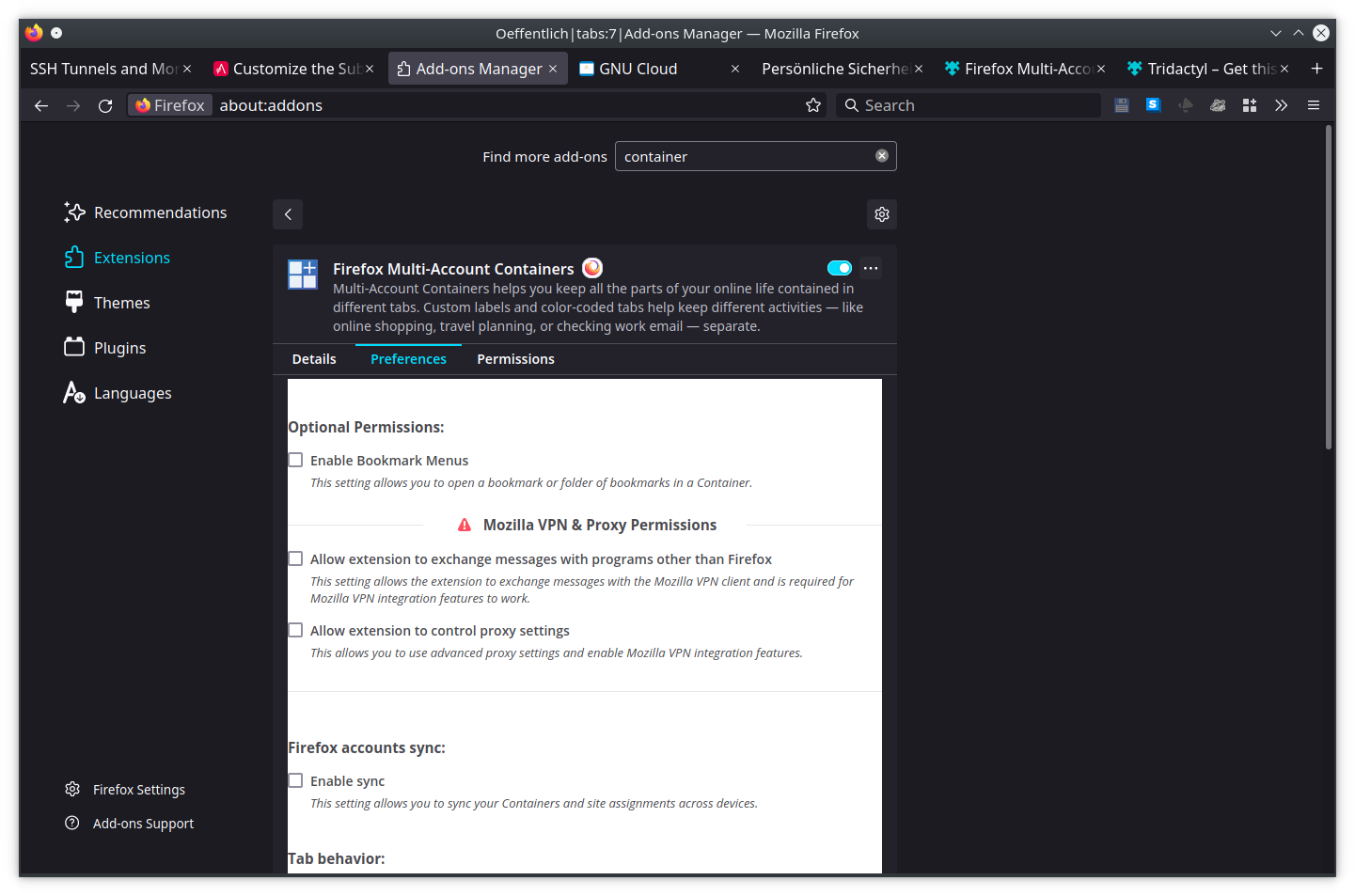
FMAC Preferences
There’s also a preferences tab where you can configure a few settings options.
Notes
-
FMAC are disabled in Private Browsing windows
-
FMAC are disabled when Never Remember History is selected in your privacy settings
Multiple Profiles
FMAC are still running in the same browser, so if there’s a security issue malicious JavaScript might be able to gather information from your different containers.
For most browsing FMAC is sufficient.
But, if there’s something you want to keep secret or isolated such as your bank account or your Pepper & Carrot fan club membership, then you can setup different Firefox profiles.
When you run Firefox under another profile it’s a different process. That’s like having containers in a completely different box.
Containers for your Containers
Yet another level is to run operating system containers or virtual machines. That’s like having multiple offices in a building and now your boxes of containers are in different offices.
Qubes does a lot of work to make it easy to run process containers. Not just for webbrowsing, but for all software you use.
Beware the JavaScript
Finally ( for this article, but there is much beyond what I’m covering here ), sonsider an Add-On to help you control JavaScript. JavaScript allows websites to run code on your computer. It’s like letting every web site install their own robot vacuum in your house. You don’t know what they’re cleaning out. You also don’t know if they’ve vetted the other sites they use to make sure those robot vacuums are safe.
I recommend checking out Raymond Hill’s uBlock Origin and Giorgio Maone’s NoScript Security Suite.
FluConf
Thanks to the organizers of FluConf ( follow @fluconf on the Fediverse ) for again putting on a remote access conference for us.
Thanks also to the contributors who created content for the conference.